




Description
SuperFX Effects Video Editor
Overview
SuperFX Effects Video Editor is a desktop multimedia application designed to simplify video editing for users aiming to enhance their content before sharing on social platforms. The software enables users to apply special effects, filters, stickers, and text overlays to short video clips, making it ideal for content creators focused on quick, visually engaging uploads. With a lightweight footprint of 150 MB, the application is optimized for fast startup and minimal system impact, targeting casual users and social media enthusiasts who prioritize speed and visual flair over advanced editing capabilities.
Designed for both Windows and Mac users, SuperFX offers a streamlined workflow centered around motion tracking AI, which automatically follows movement when activated with a simple press and hold. This feature aims to reduce the complexity of applying effects to dynamic scenes. Users can either capture footage directly through their device’s camera or import existing videos from local storage. However, the software imposes a strict 15-second limit per clip for effect application, requiring users to segment longer videos manually. This constraint may hinder workflow efficiency for those working with extended recordings, necessitating external tools for final assembly.
The app also includes basic trimming functionality, though the process is noted to be time-consuming. Despite its intended simplicity, the software has been reported to experience frequent freezes and unexpected exits during editing sessions, impacting reliability. These stability issues may affect user satisfaction, particularly when working on time-sensitive projects. Nonetheless, the app’s focus on quick edits and visual customization makes it a viable option for users seeking a lightweight, AI-assisted tool for social media content creation.
Key Features & Capabilities
- Motion Tracking AI: Enables automatic effect application to moving objects with a press and hold gesture, reducing manual effort in aligning effects to motion.
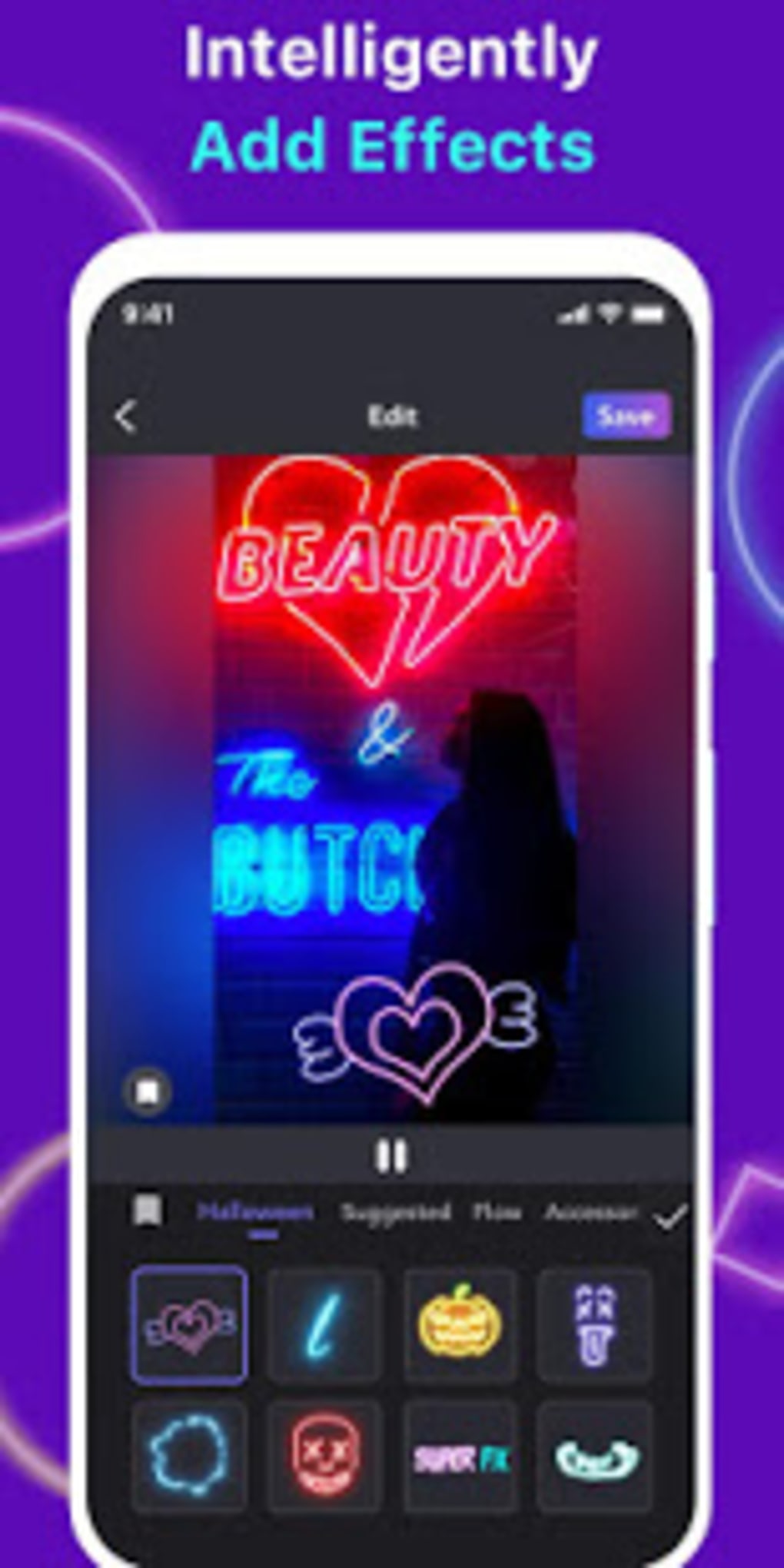
- Special Effects Library: Offers a variety of dynamic visual effects for enhancing video appeal, suitable for short-form content.
- Filter and Sticker Integration: Provides a wide selection of filters and animated stickers to personalize videos quickly.
- Basic Trimming Tools: Allows users to cut and shorten video clips, though the process is described as slow and cumbersome.
- Text and Drawing Tools: Supports on-screen text insertion and freehand drawing for annotations or creative touches.
- Direct Social Media Export: Facilitates immediate upload to social media platforms, streamlining the content-sharing workflow.
- User Inspiration Gallery: Displays community-created clips on the homepage to inspire new editing ideas.
These features collectively support a fast-paced editing experience, particularly for users focused on creating short, visually rich clips for platforms like TikTok, Instagram Reels, or YouTube Shorts. The motion tracking AI reduces the technical barrier for applying effects to moving subjects, making it accessible even to non-professionals. However, the 15-second clip limit per effect application requires users to break longer videos into segments, which can disrupt workflow continuity. The inclusion of a community gallery adds value by offering real-world examples of effective editing techniques, helping users discover new creative possibilities.
User Interface, Workflow & Performance
SuperFX Effects Video Editor features a clean, intuitive interface designed for rapid access to core editing functions. The main screen presents options to capture or import video, with a clear visual hierarchy that guides users through the initial setup. Navigation is straightforward, relying on tap-based interactions for selecting tools and applying effects. The workflow follows a linear path: import or record → trim → apply effects/filters/stickers → export or share.
Despite the simplicity of the interface, performance issues have been reported, including frequent freezes and unexpected application closures during editing sessions. These interruptions can disrupt the creative process and may result in lost progress. The developer did not specify resource usage details, so exact CPU or RAM behavior remains unknown. General software behavior patterns suggest that lightweight applications like this typically consume minimal system resources, but real-world performance may vary depending on hardware and background processes.
Workflow efficiency is impacted by the 15-second clip limitation, which requires users to manually segment longer videos. The trimming process, while available, is described as time-consuming, further slowing down the editing cycle. Users seeking a seamless, uninterrupted experience may find these delays frustrating. Overall, the UI prioritizes accessibility over advanced functionality, which suits casual users but may not meet the needs of professionals or power users requiring precise control and batch processing capabilities.
Compatibility & System Requirements
SuperFX Effects Video Editor is compatible with both Windows and Mac operating systems, supporting the latest versions of each platform. The application has a file size of 150 MB, indicating a compact installation footprint suitable for devices with limited storage space. The software version is 1.2.5, released on March 15, 2024.
Exact system requirements were not listed by the developer. This includes details about minimum processor speed, RAM, GPU specifications, or available disk space. As such, users should proceed with caution when installing on older or low-end hardware. The developer did not provide additional system requirements, leaving compatibility assumptions to general software behavior patterns. Users are advised to verify performance on their specific device, especially if experiencing instability during use.
Pros and Cons
Pros
- Lightweight design with a 150 MB footprint
- Intuitive interface suitable for beginners
- AI-powered motion tracking for dynamic effects
- Direct export to social media platforms
- Free to download and use
- Includes a gallery of user-generated content for inspiration
Cons
- Strict 15-second clip limit per effect application
- Trimming process is slow and cumbersome
- Frequent freezing and crashes reported
- No support for long-form video editing
- Missing detailed system requirements
- Requires external software for assembling long videos
FAQ Section
Is SuperFX Effects Video Editor free to use?
Yes, the software is free to download and use. It does not require a paid subscription or in-app purchases to access core features.
Can I edit long videos with SuperFX Effects Video Editor?
SuperFX is designed for short clips. The software limits effect application to 15-second segments. For longer videos, users must split them into smaller parts and use external tools to reassemble the final output.
Is the software safe to download and install?
SuperFX Effects Video Editor is available from official sources. As with any third-party application, users should ensure they download from trusted platforms to avoid potential security risks.
Does SuperFX support both Windows and Mac?
Yes, the software is compatible with both Windows and Mac operating systems.
Can I use SuperFX offline?
Yes, once installed, the application can be used without an internet connection. However, some features like social media export may require online access.
Final Thoughts + CTA
SuperFX Effects Video Editor presents a compelling option for users focused on quick, visually engaging video edits for social media. Its lightweight design, motion tracking AI, and intuitive interface make it accessible for beginners and casual creators. The free pricing model enhances its appeal, especially for those exploring video editing without investment.
However, the software’s limitations—particularly the 15-second clip cap, slow trimming process, and reported instability—significantly impact usability for longer projects. While it excels in simplicity and visual flair, reliability concerns may deter users seeking a stable, long-term solution.
For content creators who prioritize speed and creative effects for short-form content, SuperFX offers a solid starting point. Those needing advanced editing tools or stable performance for extended projects should consider alternative software.
Download SuperFX Effects Video Editor now
Guides & Tutorials for SuperFX Effects Video Editor
How to install SuperFX Effects Video Editor
- Click the Preview / Download button above.
- Once redirected, accept the terms and click Install.
- Wait for the SuperFX Effects Video Editor download to finish on your device.
How to use SuperFX Effects Video Editor
This software is primarily used for its core features described above. Open the app after installation to explore its capabilities.
User Reviews for SuperFX Effects Video Editor 0
No reviews found





